
Description
Turn greens into cinema.
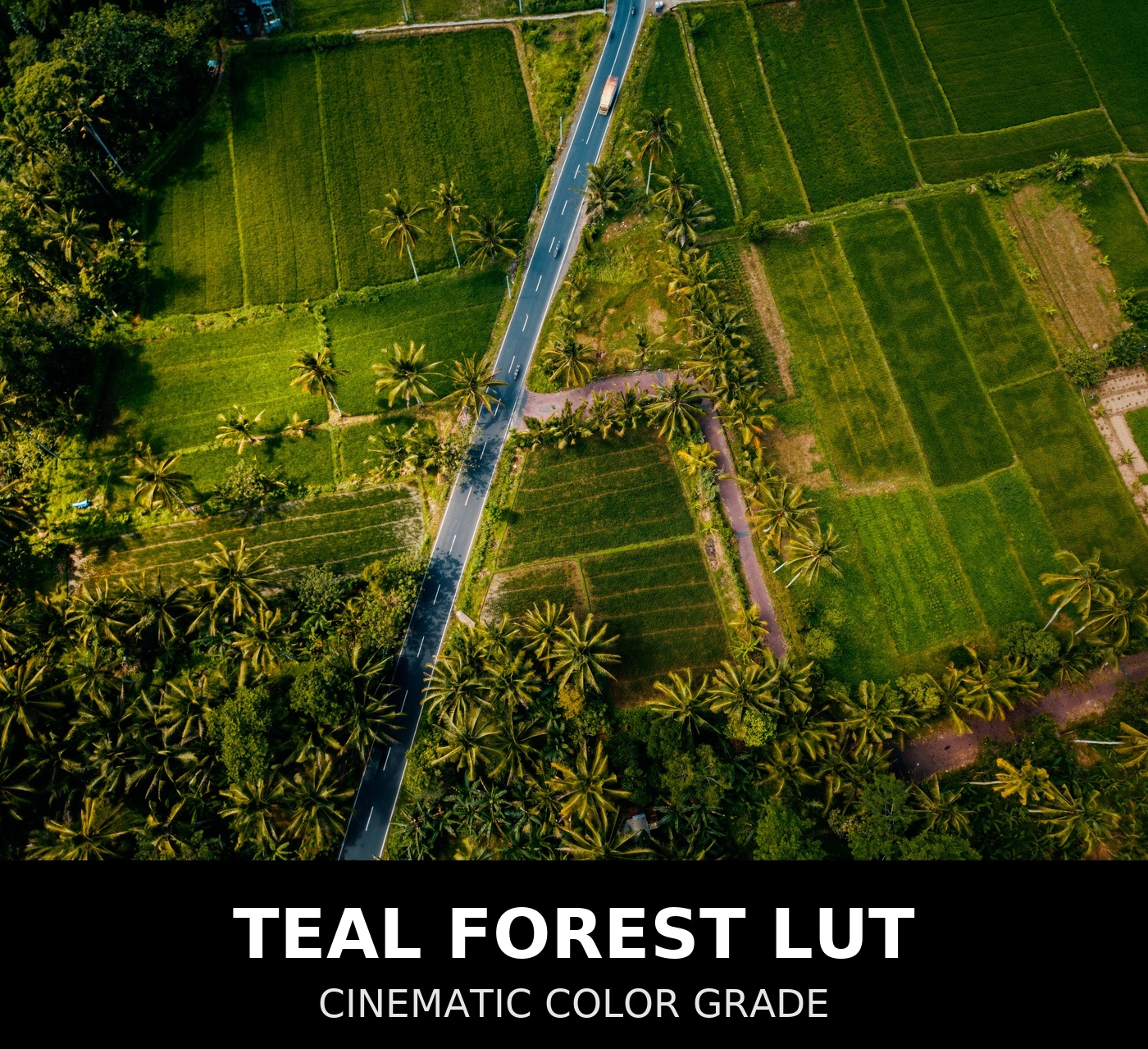
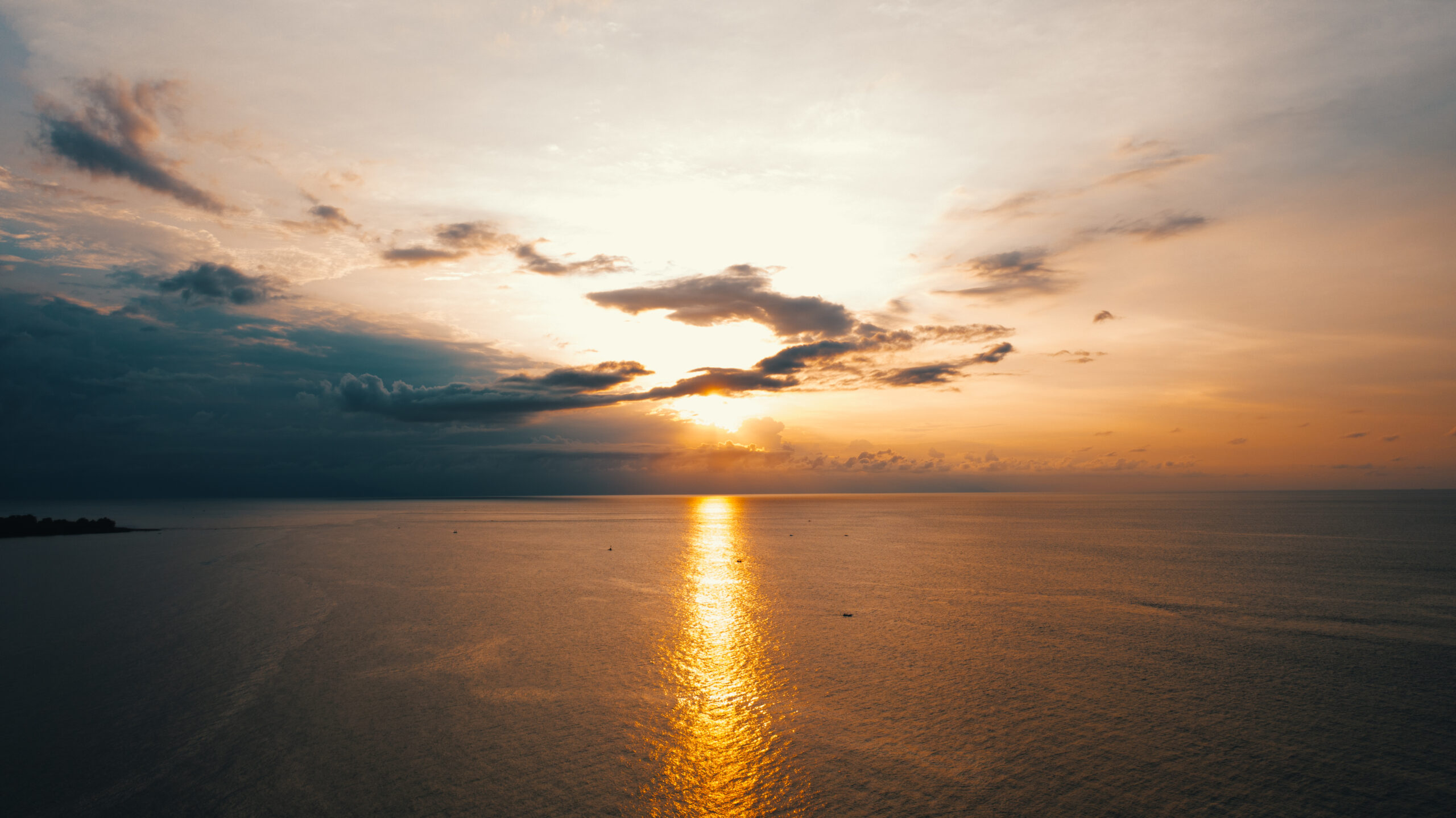
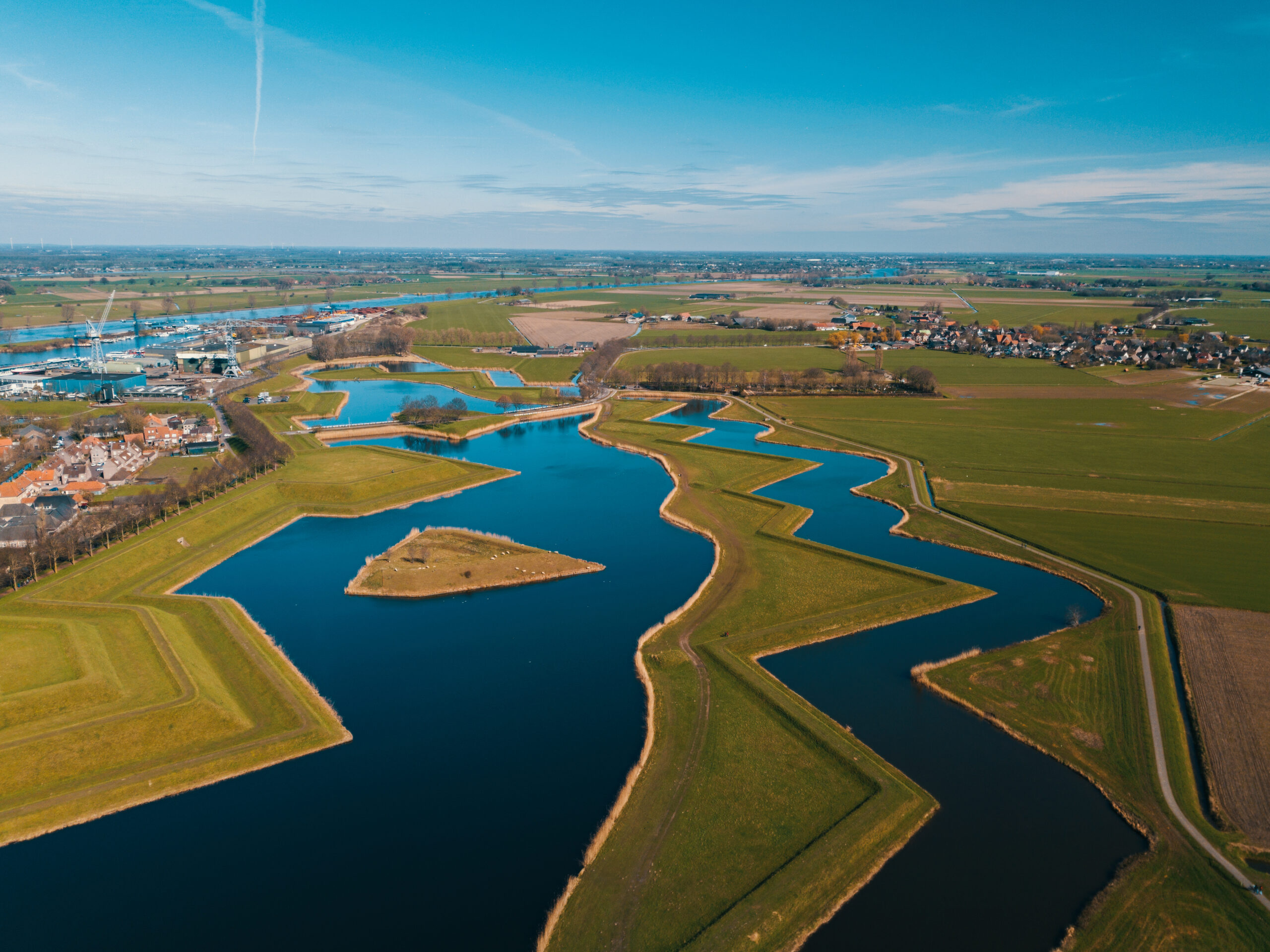
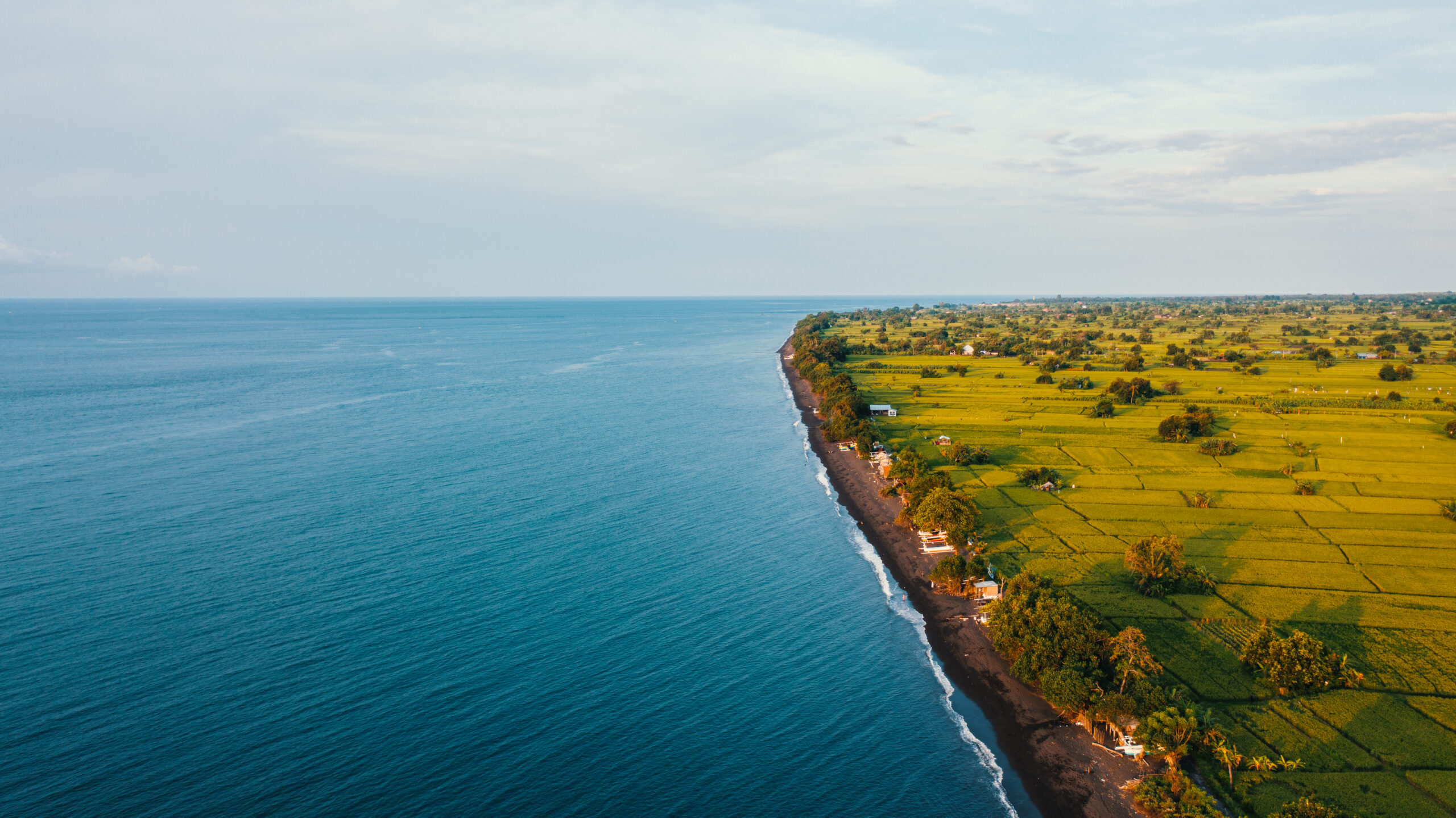
Designed on real Bali footage and tested across Europe, Teal Forest adds a rich cyan–teal bias to foliage and shadows while preserving clean, natural skin. It’s the look I reach for when I want coastal blues and jungle greens to feel premium and intentional—without the plastic, over-processed vibe.Why creators love it
Cinematic teal/green palette that flatters foliage, water and sky
Skin-safe: targeted shifts avoid waxy skin or orange casts
Balanced contrast—deep shadows, controlled highlights
Drone-friendly: handles big dynamic range & mixed light
33-point .cube for smooth gradients and zero banding
Perfect for
Drone travel films, coastlines, rice fields, forests
Real-estate exteriors and outdoor lifestyle
Documentary and run-and-gun nature footage
YouTube / social edits needing a consistent outdoor look
What’s included
1× LUT:
NTG_Universal_TealForest_33.cube(33-point precision)Quick Start PDF: install + workflow tips
Bonus: sample settings for Premiere, Resolve & FCP
Works best on footage normalized to Rec.709 (apply your camera’s LOG-to-709 transform first). You can also place the LUT on a node/adjustment layer and fine-tune.
Compatibility
Apps: Adobe Premiere Pro, After Effects, DaVinci Resolve, Final Cut Pro, Filmora, Vegas Pro—any software that accepts .cube
Color spaces: Rec.709; LOG with a proper LOG→Rec.709 transform (S-Log3, D-Log, V-Log, C-Log, N-Log, HLG etc.)
Cameras tested: DJI drones, Sony, Canon, Panasonic, Nikon, GoPro & Insta360 (after conversion)
Technical specs
Format: .cube, 33×33×33 (high precision)
Target gamma: Rec.709
File size: lightweight, real-time playback friendly
Quick install
DaVinci Resolve
Project Settings → Color Management: ensure timeline is Rec.709 (or use Color Space Transform on a node).
In the Color page, right-click LUTs panel → Open LUT Folder → drop the
.cube→ Update Lists.Apply on a timeline node or final node; adjust Key Output to taste.
Adobe Premiere Pro
Lumetri Color → Creative → Look: Browse… and load the
.cube.For LOG footage, first use Basic Correction → Input LUT (LOG→709), then add Teal Forest in Creative.
Tweak Intensity (60–90%), add a slight Temp/Tint if needed.
Final Cut Pro
Add Custom LUT effect to an adjustment layer.
Load the
.cubeand choose Rec.709 input.For LOG, apply your Camera LUT (LOG→709) first; then Teal Forest.
Grading tips
Set white balance first, then apply the LUT.
Dial the LUT intensity—it doesn’t have to be 100%.
Add a gentle S-curve and a light vignette for depth.
For skin, use a secondary (HSL qualifier) to keep tones natural.
License
Single creator / single business license. Use on your own paid and unpaid projects, social, YouTube, client work.
Not allowed: redistributing, reselling, or including the LUT in another pack.
FAQ
Will this work on mobile apps?
Yes, any app that supports .cube LUTs (e.g., LumaFusion, VN on desktop). Some mobile apps need you to import it into a desktop NLE first.My image gets too contrasty.
Lower LUT intensity to 50–80% and reduce contrast. Ensure you’re in Rec.709 (convert LOG first).Does it work for portraits?
Yes—Teal Forest is skin-safe. For close-ups, consider a subtle skin isolation to keep tones perfect.Refunds?
Because this is a digital download, purchases are non-refundable. If you have issues, contact me and I’ll help you get the look dialed in.
Reviews
There are no reviews yet.